
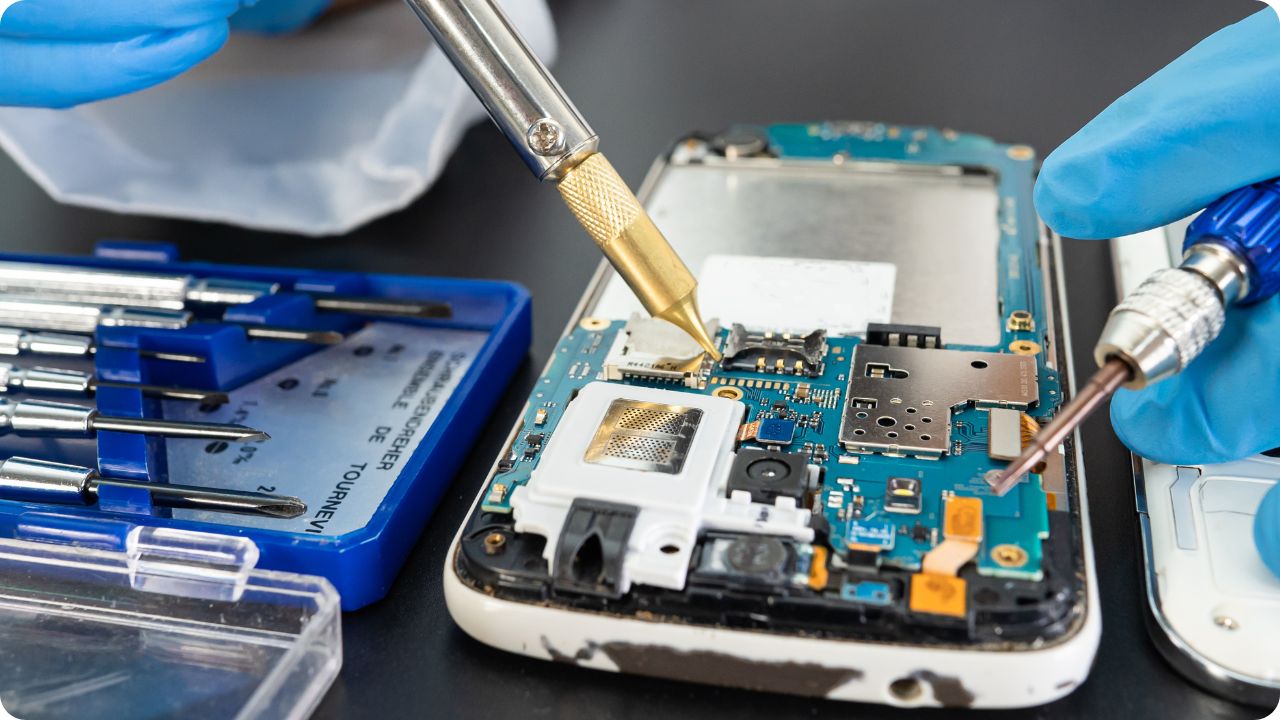
Mobile phones have become an essential part of our daily lives, helping us stay connected, work efficiently, and entertain ourselves. However, just like any other electronic device, smartphones can develop issues over time. Some problems are minor and can be fixed with simple troubleshooting, while others require expert repair services.
If you’re facing Mobile Phone Issues, don’t worry—you’re not alone! Many users experience problems like cracked screens, charging issues, overheating, and slow performance. In this guide, we’ll discuss the most common mobile phone repair problems and provide practical solutions to fix them.
For professional repairs, iRepair Mobiles Reading – (Best Mobile Phone And Laptop Repair Shop) is your go-to shop for quick and reliable mobile phone repair services.
Table of Contents
1. Cracked or Broken Phone Screen
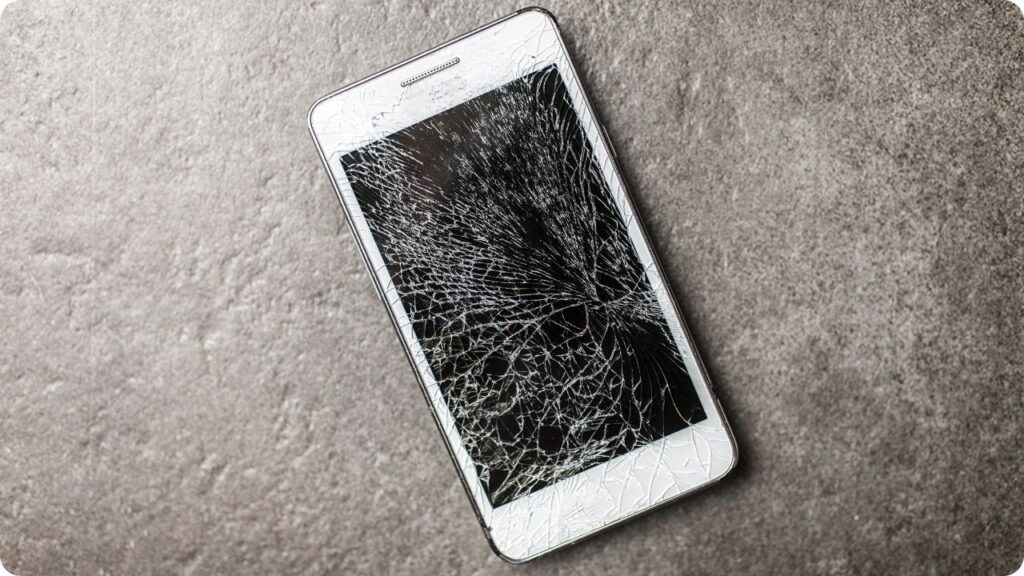
A cracked screen is one of the most common Mobile Phone Issues, often caused by accidental drops or impacts. While some minor cracks may not affect functionality, severe damage can make your phone difficult or even dangerous to use. A shattered screen can also expose internal components to dust and moisture, leading to more significant damage over time.
How to Fix It:
- If the screen is only slightly cracked, applying a screen protector may prevent further damage.
- Avoid using the phone if the cracks interfere with touch functionality.
- For a permanent solution, take your phone to a mobile phone repair shop for a professional screen replacement.
To prevent future damage, always use a sturdy phone case and tempered glass screen protector.
2. Phone Not Turning On
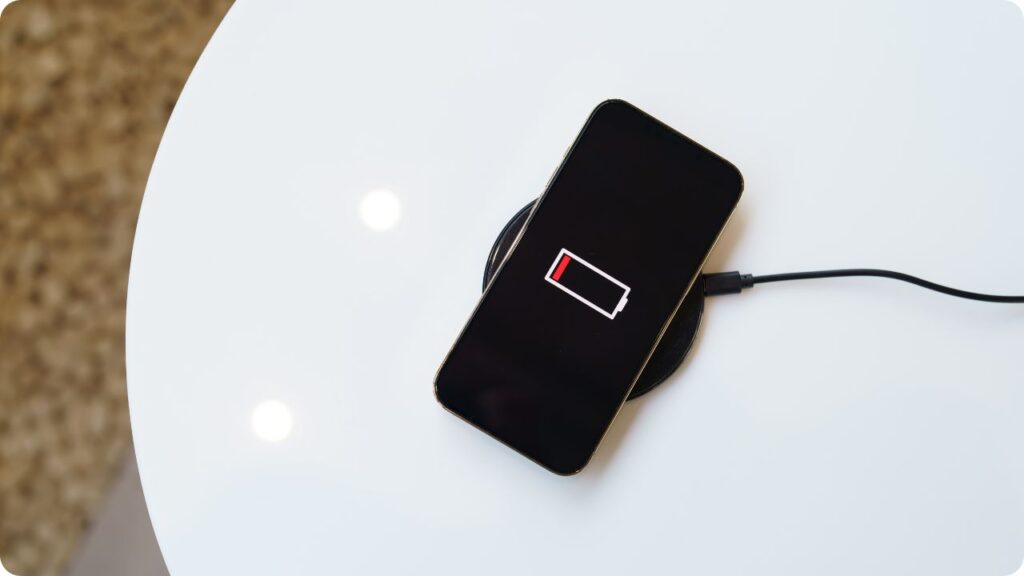
Few things are more frustrating than a phone that refuses to turn on. This can happen due to various reasons, including a drained battery, software glitches, or even hardware malfunctions. Before assuming the worst, try some troubleshooting steps.
How to Fix It:
- Check the battery: Plug your phone into a charger and wait for at least 15 minutes. If the battery was completely drained, it might take some time to power on.
- Force restart: For most smartphones, press and hold the power button + volume down button simultaneously for about 10 seconds.
- Inspect for damage: If your phone suffered a fall or got wet, internal components might be damaged. A visit to a mobile phone repair shop is the best option in such cases.
If none of these steps work, the issue could be due to a faulty battery or motherboard, requiring expert attention.
3. Overheating Issue
It’s normal for phones to get warm during heavy use, such as gaming or video streaming. However, excessive heat can indicate a serious issue. Prolonged overheating can affect battery life and even cause internal damage.
How to Fix It:
- Close background apps that may be draining your phone’s processor.
- Avoid using your phone while charging, as this increases heat production.
- Check for malware, as malicious apps can overload your phone’s CPU.
- Keep your software updated to fix potential overheating bugs.
If your phone continues to overheat even under normal use, take it to a mobile phone repair expert for a thorough check-up.
4. Battery Draining Too Fast
Does your phone’s battery run out much faster than it used to? This is a common issue, especially with older devices. Batteries degrade over time, but software problems can also contribute to excessive power consumption.
How to Fix It:
- Reduce screen brightness and enable battery-saving mode.
- Close background apps and disable unnecessary services like Bluetooth and location tracking.
- If the battery is swollen or deteriorated, consider getting it replaced by a professional.
At iRepair Mobiles Reading – (Best Mobile Phone And Laptop Repair Shop), we offer battery replacement services to restore your phone’s battery life.
5. Charging Problems
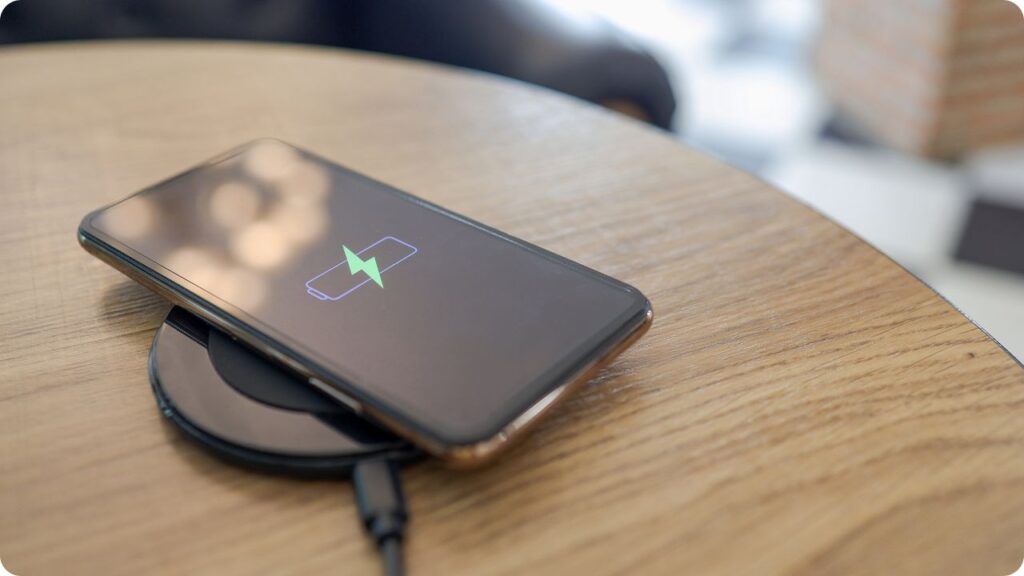
A phone that won’t charge properly can be incredibly frustrating. The issue may lie in the charging cable, adapter, charging port, or internal components.
How to Fix It:
- Try a different charger and cable to rule out external faults.
- Clean the charging port with a dry toothbrush or compressed air to remove dust and debris.
- If your phone only charges at certain angles, the charging port may be damaged and require repair.
If charging issues persist, visit a mobile phone repair shop for a professional diagnosis.
6. Speaker or Microphone Not Working
If your phone’s sound is unclear, distorted, or completely silent, it could be due to dust buildup, software glitches, or hardware failure.
How to Fix It:
- Check the volume settings and ensure the phone isn’t in silent mode.
- Clean the speaker and microphone using a soft brush.
- Test the phone in safe mode to see if third-party apps are causing the problem.
For persistent sound issues, speaker or microphone replacement may be required.
7. Unresponsive Touchscreen
A touchscreen that doesn’t respond properly can make phone usage frustrating. Whether it’s due to a software glitch or physical damage, the problem needs immediate attention.
How to Fix It:
- Restart your phone to refresh the system.
- Remove the screen protector, as it may be interfering with touch sensitivity.
- If the problem persists, a professional screen replacement might be necessary.
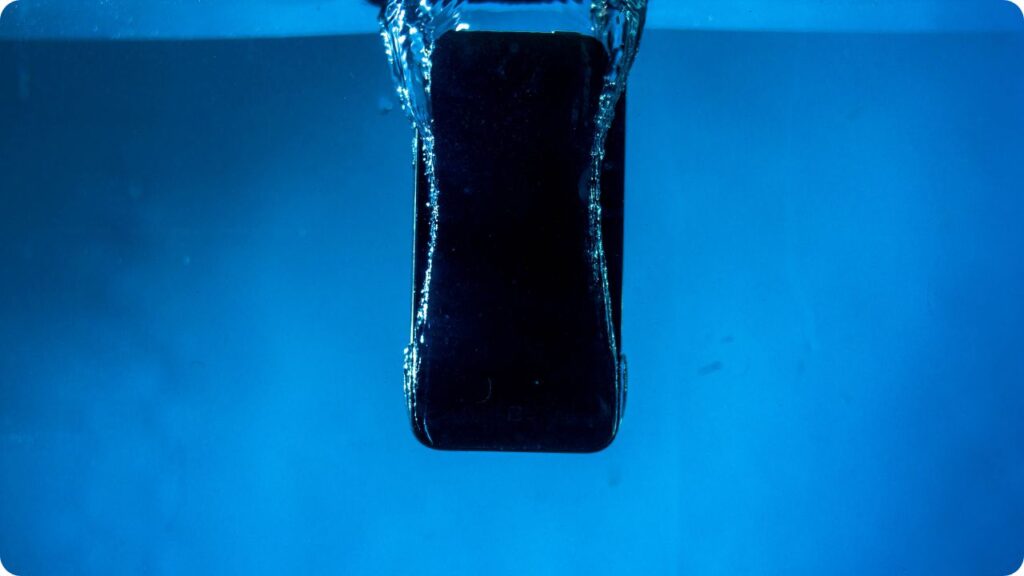
8. Water Damage
Water damage is one of the most serious phone issues and can lead to permanent failure if not addressed immediately.
What to Do Immediately:
- Turn off your phone to prevent short-circuiting.
- Remove the SIM and memory card.
- Do not use a hairdryer, as heat can push water deeper inside.
- Take your phone to a repair shop for professional drying and repair.
At iRepair Mobiles Reading – (Best Mobile Phone And Laptop Repair Shop), we specialize in water damage repair, ensuring your device is restored to full functionality.
9. Slow Performance & Freezing Issues
If your phone frequently lags or crashes, it may be overloaded with unnecessary apps and files.
How to Fix It:
- Clear cache and delete unused apps.
- Restart your phone regularly to refresh memory.
- Factory reset your phone (after backing up important data).
A professional mobile phone repair service can check for deeper hardware issues causing performance slowdowns.
10. Connectivity Problems (WiFi, Bluetooth, Mobile Data)
Connectivity issues can prevent you from accessing the internet or using Bluetooth devices.
How to Fix It:
- Restart your phone and router.
- Forget and reconnect to the network.
- Reset network settings if connectivity remains unstable.
If the problem persists, a hardware issue might be the cause, requiring expert attention.
Final Thoughts: When to Seek Professional Help
While some mobile phone issues can be resolved with DIY fixes, others require professional repair. Whether it’s a cracked screen, battery problem, charging issue, or overheating, getting expert help can save you time and money in the long run.
At iRepair Mobiles Reading – (Best Mobile Phone And Laptop Repair Shop), we specialize in quick and affordable mobile phone repair services, ensuring your device functions like new.
Need Professional Mobile Phone Repair?
Visit iRepair Mobiles Reading – (Best Mobile Phone And Laptop Repair Shop) for fast, reliable, and expert solutions. Contact us today for a free diagnosis and repair estimate.